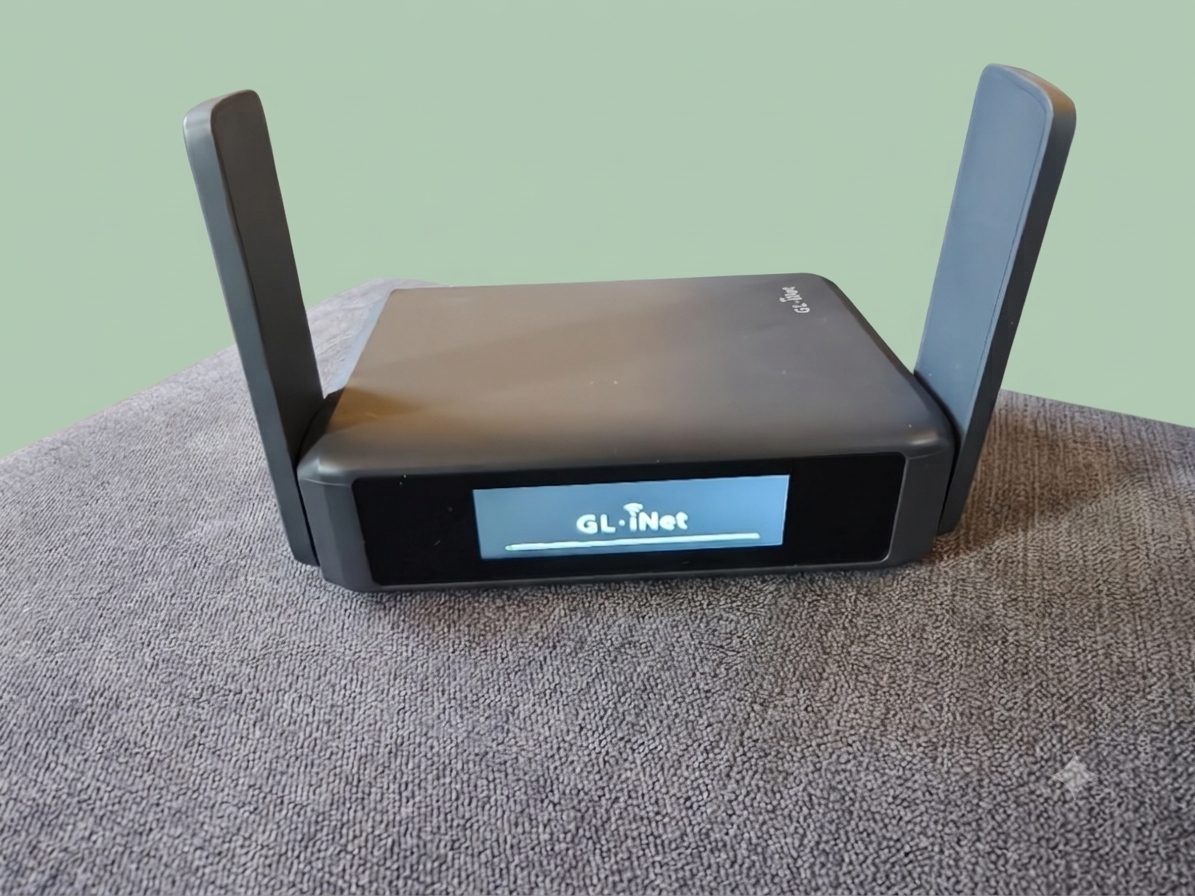
A WiFi 7 travel router I’ve had for a year and a bit. It was a good router. Then the updates came.
Bought by meNot sponsoredNot gifted
Mine, antennas up, touchscreen on.
The short version
The good
Worked perfectly with Starlink in the car
VPN and AdGuard built in, plus loads to play with
Gave my MacBook WiFi 7, which the M4 Pro doesn’t have
Repeater mode was flawless in year one
1,300Mbps with a VPN on, on a 1,600Mbps line
The not so good
After the updates and new features, it feels bloated
The CPU is working hard and speeds dropped
It takes longer to boot
Let me down when I needed it most
80Mbps on a 1Gb connection after a full reset
Where I stand
In year one I’d have recommended it to any tinkerer. Today, after two full resets and a trip where it failed me, I can’t.
Not again I’m not prepared to rely on it.
A year and a bit with it
In the car, with Starlink
The way I had it set up in the car was Starlink on the roof, with PoE run back down to this router. All I can say is it worked perfectly.
I made use of the VPN and AdGuard features, and did a lot of playing around with other stuff too. All in all, a good router.
At home, with my MacBook
I used it at home connected to my MacBook, making use of its WiFi 7, something the M4 Pro doesn’t have. I ran it in repeater mode and it worked flawlessly.
Then I connected an ethernet cable to it and, with a VPN going, got 1,300Mbps down on a 1,600Mbps connection. I was very happy with that.
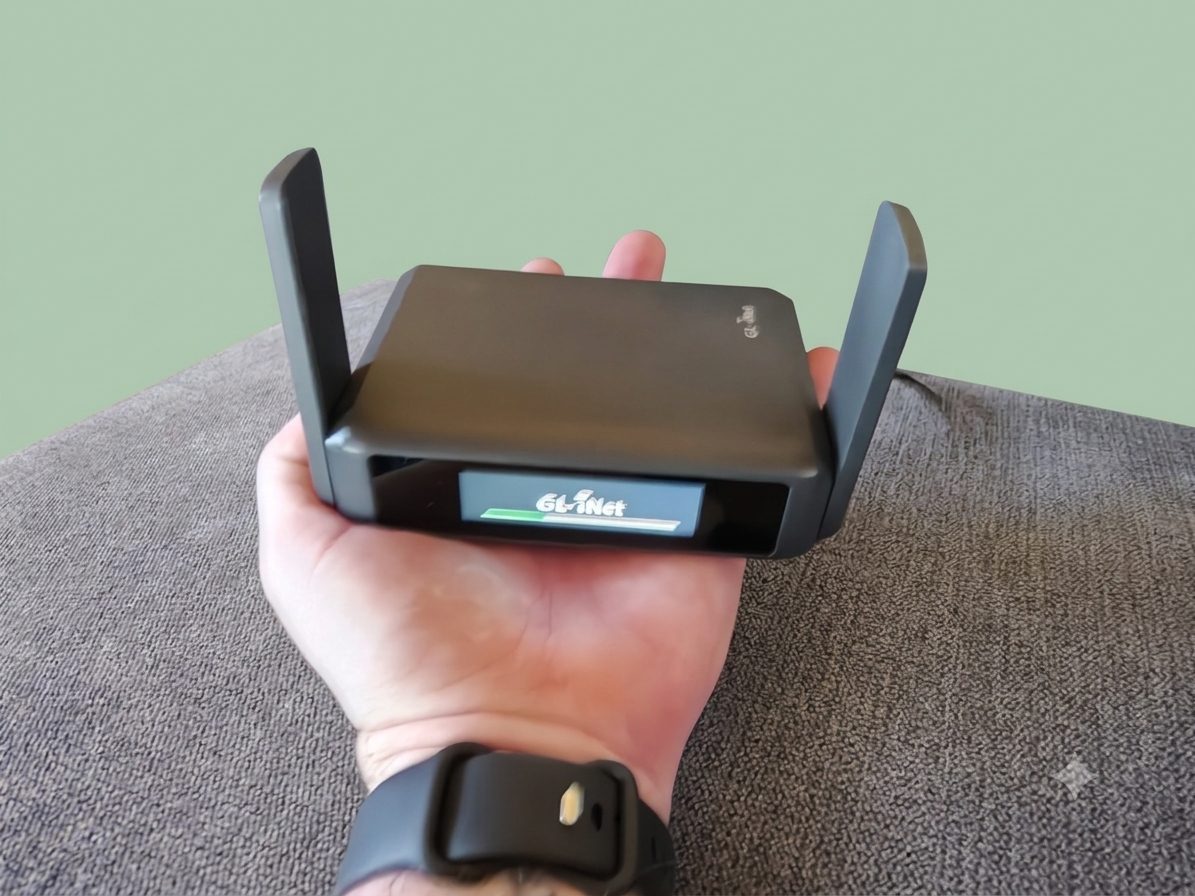
Small enough to sit in one hand.
Then the updates came
Updates started arriving, along with new stuff to play with. I turned on a few things and it started to struggle. I could only get 700Mbps down, a long way off what I had before.
So I did a full reset and started from scratch. Without a VPN I got the full 1,600Mbps. With the VPN back on, I got 1Gb down. Now I’m not happy.
Bloated
It seems as though all these extra features have made it quite bloated. The CPU is working hard.
It’s starting to struggle even when turning on. It now takes longer to load than it used to.
The concert trip
I set it up at home, ready to take my older children to a concert. I’d booked an apartment 100ft from the venue, so I stayed behind while they went.
As soon as I could, I got the little router out, because I wanted everyone behind a VPN. Could I get it working? No. It let me down big time.
80Mbps on a 1Gb line
After seeing the kids off, I did another full reset and started from scratch. I was pulling 80Mbps down, with no VPN on or anything else for that matter, on a 1Gb connection.
Bear in mind I was using it in repeater mode. But I never had these problems before the recent updates.
The speeds, in order
Every result I got, as a share of the connection I was on. Watch it fall.
Year one, at home, ethernet, VPN on 1,300 of 1,600Mbps
81%
After updates and new features, VPN on 700 of 1,600Mbps
44%
After a full reset, no VPN 1,600 of 1,600Mbps
100%
After a full reset, VPN on 1,000 of 1,600Mbps
63%
Concert apartment, repeater mode, fresh reset, no VPN 80 of 1,000Mbps
8%
Download speeds, as I measured them. GL.iNet quotes a maximum of 490Mbps for WireGuard VPN running on the router itself, so my VPN figures are higher than its own claim.
The specs
GL.iNet’s published numbers for the Slate 7 (GL-BE3600).
WiFi 7Dual-band: 2.4GHz and 5GHz
2,882MbpsTop WiFi speed on 5GHz (688Mbps on 2.4GHz)
1.1GHzQualcomm quad-core processor
1GBDDR4 memory, 512MB storage
490MbpsWireGuard VPN, max
385MbpsOpenVPN, max
2×2.5GEthernet: 1 WAN, 1 LAN
295gWeight, 130 × 91 × 34mm
£139.99On GL.iNet’s UK store
Touchscreen on the front
USB-C power
USB 3.0 port
AdGuard Home built in
Repeater mode
OpenWrt underneath
GL.iNet says vs what I found
GL.iNet says
What I found
WiFi 7 travel router
Gave my M4 Pro MacBook WiFi 7. Brilliant in year one.
Repeater mode
Flawless at first. 80Mbps on a 1Gb line after the updates.
VPN and AdGuard built in
Great features, but turning more on made it struggle.
Quad-core 1.1GHz CPU
Working hard since the updates. Slower to boot.
Specs are GL.iNet’s published figures. Price checked on GL.iNet’s UK store.