The keyboard
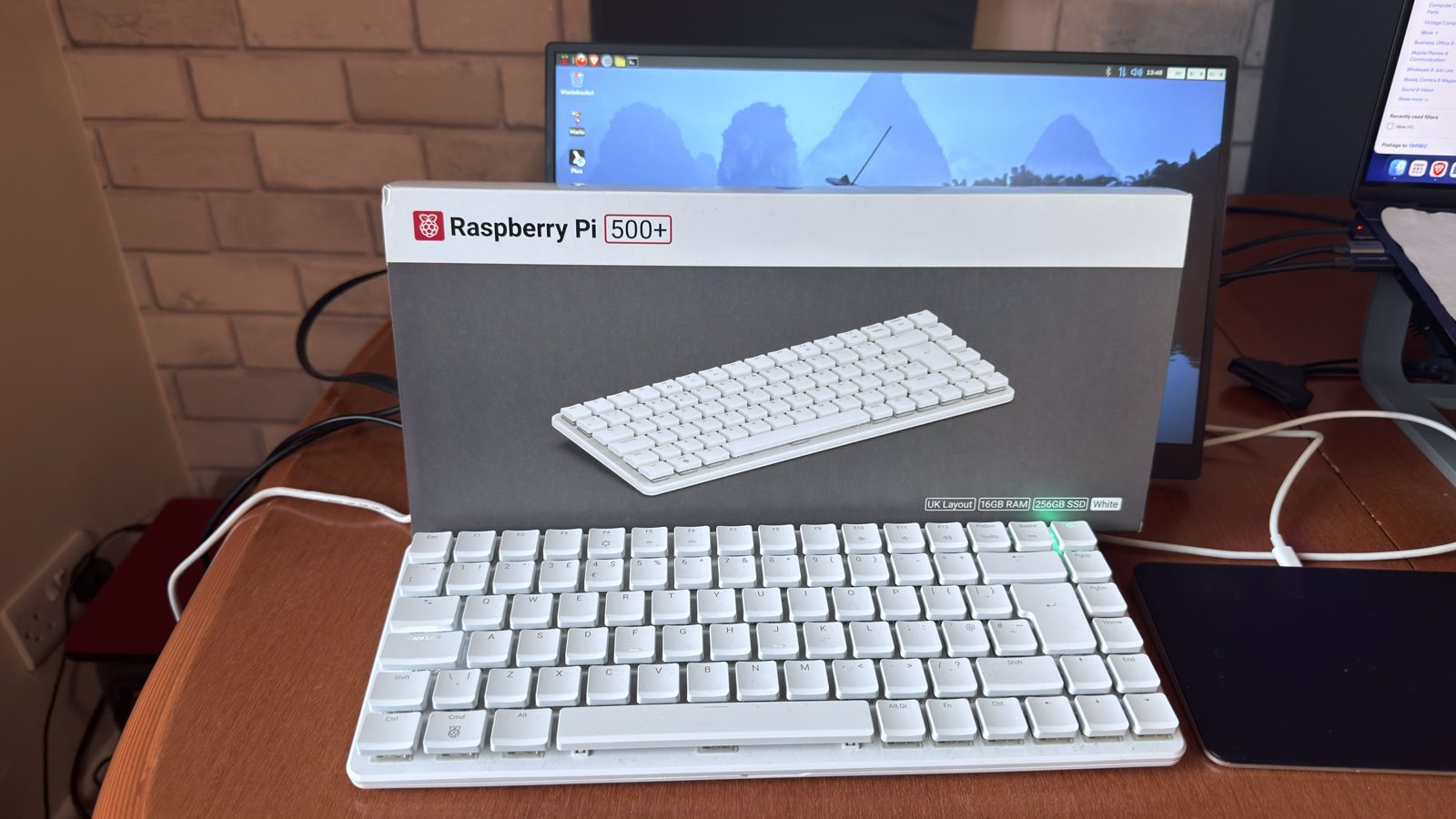
It’s a lovely keyboard, one you just want to keep typing on. The RGB lighting is customisable too.
16GB of RAM inside a high-quality keyboard, with customisable RGB lighting. It runs better than a Pi 4, that’s for sure. But not at today’s price.
Linux fans and homelabbers who can get one cheap. If you’re about to spend £400, add another £100 and get a Mac mini.
£85 What I paid. They’re around £400 new now.
It’s a lovely keyboard, one you just want to keep typing on. The RGB lighting is customisable too.
I overclocked it, and because it has such a beast of a heatsink, it never got over 55°C.
It runs better than a Pi 4, that’s for sure. It could even be your only PC if needs must.
Then there’s the M.2 slot. I upgraded the SSD straight away.
For most of its life so far, it’s been on its side, leant up against the wall, with just an ethernet cable and power going in.
I’ve used it for AdGuard, Unbound and the UniFi OS software. Pretty much anything in homelabbing that doesn’t need a GPU.
I haven’t really hit its ceiling. It’s great for what it does.
I use it headless these days, because I’ve got other PCs I can use.
It’s a nice fallback machine. Handy for transferring data, and for keeping data somewhere safe while you’re moving stuff around.
I paid £85 for it brand new, on an eBay auction, some time ago. They’re going for upward of £400 now.
For that money you’re close to Mac mini territory, and that’s so much better in every way. Add an extra £100 and get a Mac mini. You might even get a second-hand one for £400.
I picked up an M1 MacBook Air for £300, and it wipes the floor with the Pi 500+. Even a cheap OptiPlex would be better.
I keep it because it runs Linux, and I’m a Linux fanboy.
But the Pi 5 inside is now dated. I think it’s in need of a refresh.
Raspberry Pi’s numbers, and what I actually found.
| Raspberry Pi says | What I found |
|---|---|
| One-piece aluminium heatsink | A beast. Overclocked, it never got over 55°C. |
| Premium mechanical keyboard | Lovely. One you just want to keep typing on. |
| 16GB RAM, M.2 SSD | Never hit its ceiling running my homelab services. I upgraded the SSD straight away. |
| A complete computer in a keyboard | Could be your only PC if needs must. Mine mostly runs headless. |
| £393.60 | Too much. That’s Mac mini money, and a Mac mini is so much better. |
Specs are Raspberry Pi’s published figures. The £393.60 price is The Pi Hut’s; prices change, so check before you buy.
As my homelab and fallback Linux box.