From moaning to silence
We used to have a TP-Link mesh setup, and everyone in the house moaned about the signal.
These have sorted out the WiFi for everyone in the house. I literally went from everyone moaning to never hearing anything.
Two access points, one each side of the house. My WiFi problems are now non-existent, and I thought they were worth a mention.
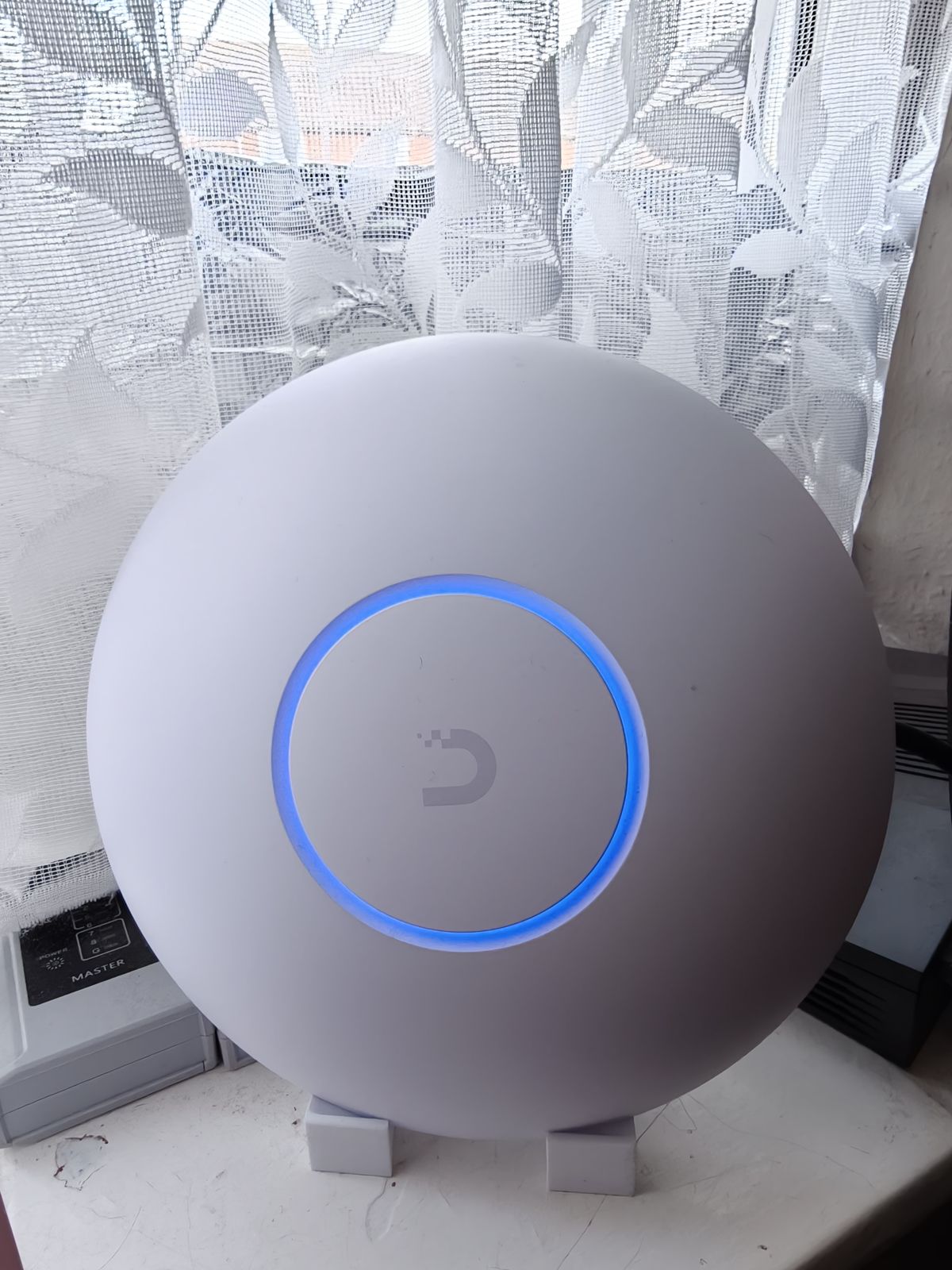
Anyone fed up with patchy WiFi or a mesh system that drops out, especially if you’ve got a fast connection and want every bit of it on WiFi.
1.6Gb Full speed, anywhere indoors.
We used to have a TP-Link mesh setup, and everyone in the house moaned about the signal.
These have sorted out the WiFi for everyone in the house. I literally went from everyone moaning to never hearing anything.
One is in the top-floor bedroom and one is on the lounge windowsill. I 3D printed a stand for that one, and that’s where it lives.
Both are wired into the ethernet I have running through the house.
I connect to just one WiFi network. As I walk around the house, the two access points work out which one should look after my phone, so I always get the best reception.
The proper name for this is roaming. More on how it works below.
I’ve got a 1.6Gb internet connection, and I get the full 1.6Gb from these anywhere in the house.
Ping is perfect. Honestly, I can’t tell the difference between them and a wired ethernet connection.
Once they’re set up, they’re done. You no longer need to worry about the signal.
I run UniFi OS Server on my Proxmox homelab to manage them. That’s Ubiquiti’s own software, free to run on your own hardware. Set it up once and leave it.
They do get a little warm, but that’s to be expected.
You walk from room to room and your phone quietly swaps to the nearest access point. Here’s what’s doing it.
Both access points broadcast the same WiFi network with the same password. Your devices see one network, not two.
Lets your device skip the full log-in when it moves to the other access point, so the switch is quick enough that calls and video don’t drop.
The access points tell your device when there’s a better one nearby and nudge it across, instead of it clinging to a weak signal.
Each of mine has its own ethernet cable back to the network. No WiFi is wasted linking the two together, which is why the speed holds up everywhere.
Fast Roaming and BSS Transition are both settings in the UniFi app. Older devices don’t always support Fast Roaming.
Ubiquiti’s published numbers for the U7 Pro.
| Ubiquiti says | What I found |
|---|---|
| WiFi 7, up to 5.7Gbps | I get my full 1.6Gb connection anywhere in the house. |
| 140m² coverage each | Two of them, either side of the house, cover the whole place. |
| Seamless roaming | One WiFi name. It hands me over to the best one as I walk around. |
| 21W max power | Gets a little warm, which is to be expected. |
Specs are Ubiquiti’s published figures for the U7 Pro.
Everyone in the house, sorted.